# Interact with the Keyboard

Click any position that supports keyboard input, the Type!t keyboard input will pop up automatically for use
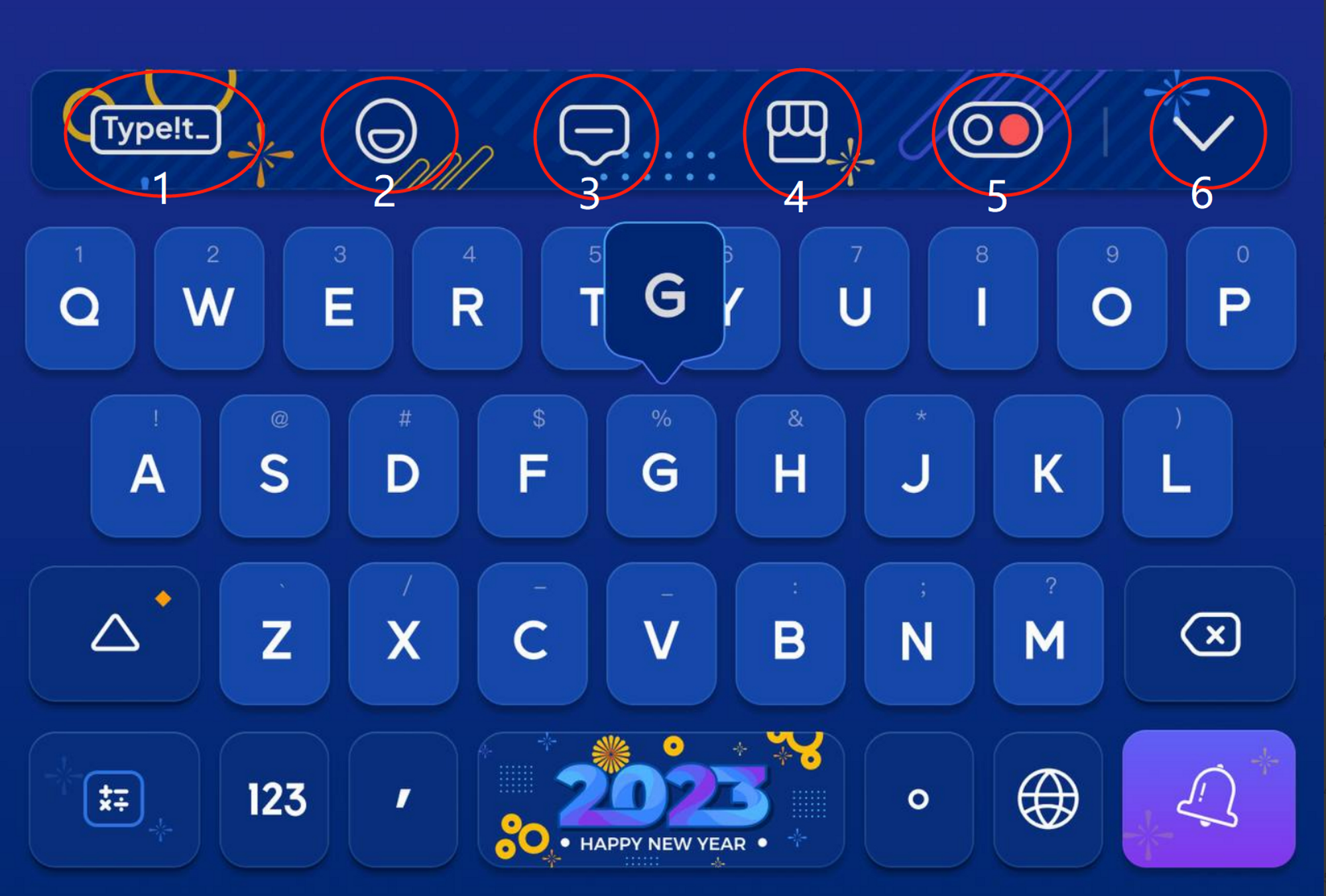
<figure><img src="https://3097363452-files.gitbook.io/~/files/v0/b/gitbook-x-prod.appspot.com/o/spaces%2F1J0E5XqWOIP7EkQruCdi%2Fuploads%2FYA7kcAd9FvC7DIHVZM70%2FUntitled.png?alt=media&#x26;token=7abd70a6-500f-4827-b13a-e9e7039d1dd2" alt=""><figcaption></figcaption></figure>

<table data-card-size="large" data-view="cards"><thead><tr><th></th><th data-hidden></th><th data-hidden></th><th data-hidden data-card-target data-type="content-ref"></th></tr></thead><tbody><tr><td><strong>Function Bar</strong></td><td></td><td></td><td><a href="interact-with-the-keyboard/function-bar">function-bar</a></td></tr><tr><td><strong>Input Methods and Usage Techniques</strong></td><td></td><td></td><td><a href="interact-with-the-keyboard/input-methods-and-usage-techniques">input-methods-and-usage-techniques</a></td></tr></tbody></table>
